
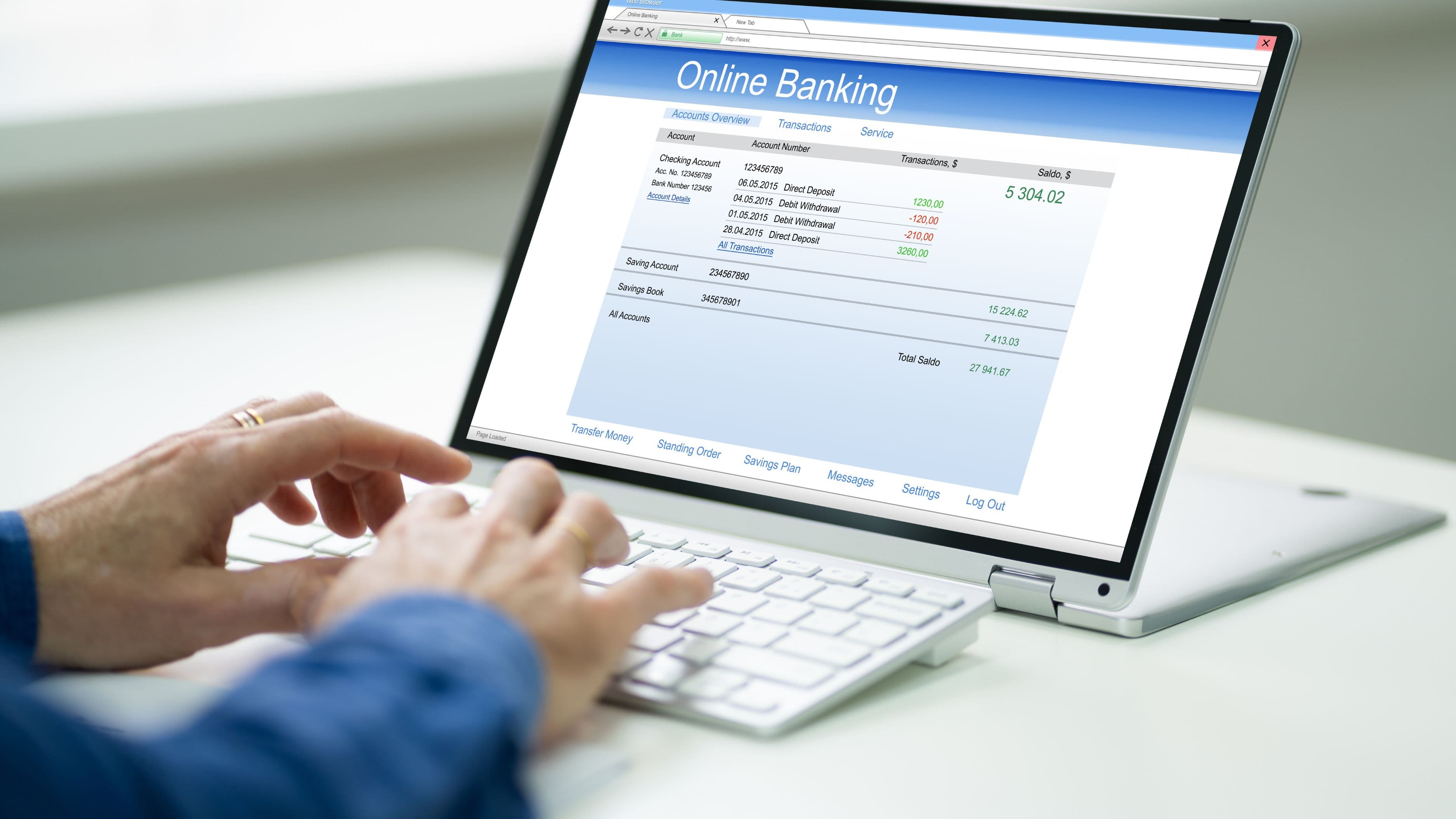
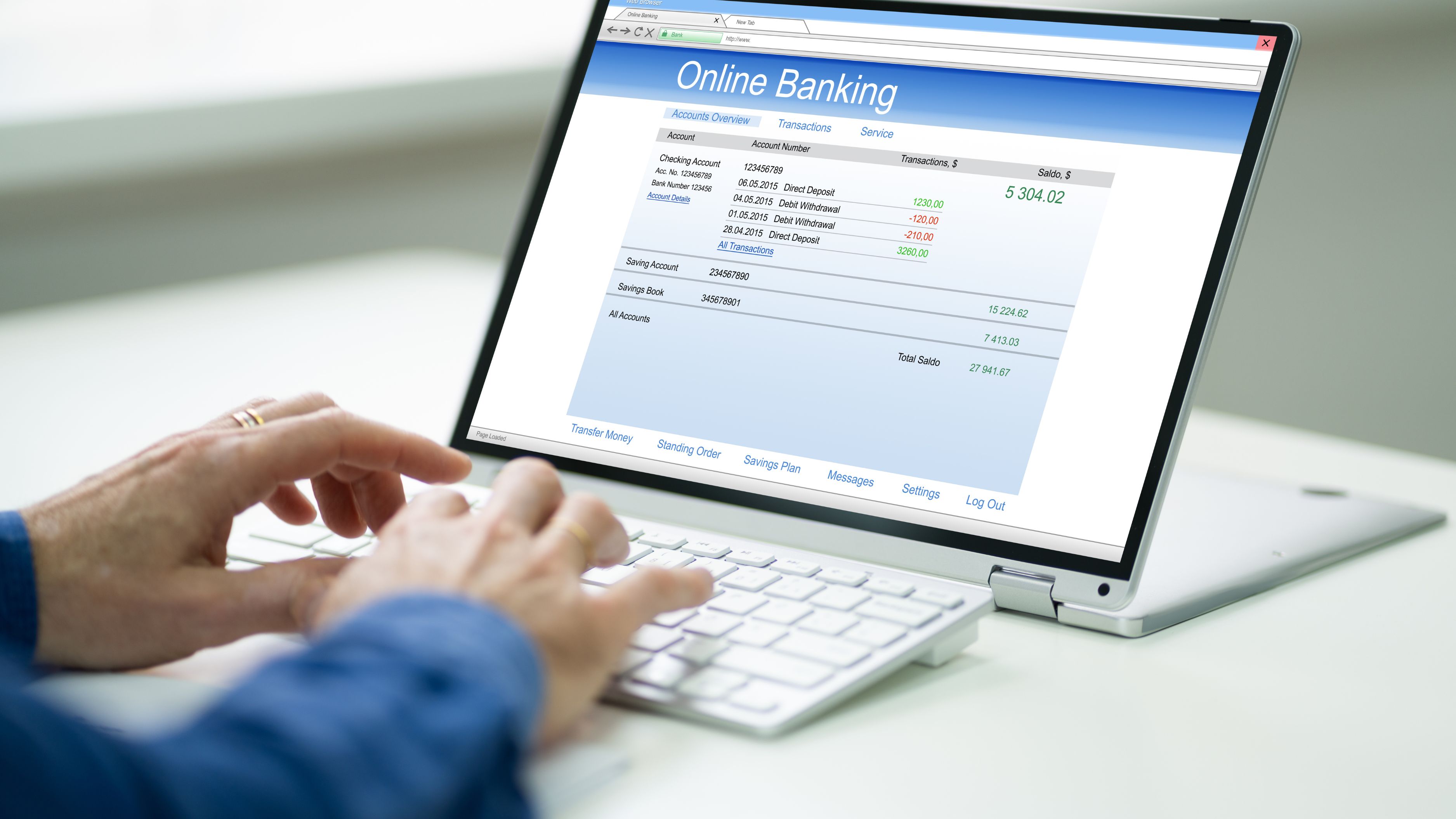
That's changing. A new generation of financial tools is using artificial intelligence to do what most of us never had the time or patience to do manually: read every line of your statement, make sense of it, and translate it into something genuinely actionable. The result is that understanding your bank statement is becoming less of a chore and more of a conversation.
What "AI Reading Your Bank Statement" Actually Means
When an app or financial tool uses AI to analyze your bank statement, it's primarily doing two things: categorizing your transactions and identifying patterns across them.
Categorization sounds simple, but it's trickier than it appears. A charge from "SQ*BLUEBOTTLE" might mean nothing to you, but an AI system trained on millions of transactions knows it's a Square payment to Blue Bottle Coffee – and tags it as dining. "AMZN MKTP US" could be groceries, household supplies, electronics, or a streaming subscription. Intelligent categorization distinguishes between these based on merchant codes, transaction size, frequency, and context from your broader spending history. The better tools get this right more than 90% of the time, which means you stop spending twenty minutes every month trying to remember what a charge was.
Pattern recognition goes further. Once your transactions are categorized consistently over time, the system can identify things that are genuinely hard to notice manually: that your grocery bill has crept up 18% over six months, that you have three subscription services you haven't used in months, that your dining spending spikes reliably in the second week of every month. These observations sound straightforward, but they're invisible when you're looking at individual transactions rather than aggregated trends. The AI surfaces them without you having to build a spreadsheet.
Where This Actually Shows Up in Real Life
The clearest examples are budgeting and personal finance apps that have integrated AI-powered statement analysis into their core experience. Copilot Money, for instance, reads connected account transactions and builds a categorized, searchable financial picture that updates automatically. You can ask it which merchants you've paid the most across the past year, see a breakdown of fixed versus variable spending, and get notified when a bill is higher than usual. It's doing the analytical work that a financially organized person might do manually, just instantly and continuously.
YNAB (You Need a Budget) has moved in a similar direction, using transaction data to help users assign spending to categories and flag when they're approaching limits they've set for themselves. The underlying logic has always been behavioral, but the AI layer removes the manual import-and-sort friction that used to make maintaining it feel like a part-time job.
Banks themselves are starting to build this capability in-house rather than leaving it to third-party apps. Chase's banking app now surfaces spending summaries and category breakdowns directly in the account view. Bank of America's Erica – one of the earliest bank-native virtual assistants – can answer questions like "how much did I spend on restaurants last month?" or "have any of my bills changed?" by reading your transaction history. These aren't perfect, but they represent a meaningful shift from statements as records to statements as insights.
The most practical version of this technology for most people right now isn't a premium app or a bank's proprietary tool – it's the combination of a connected personal finance app and a few minutes of monthly review. You're no longer doing the analysis yourself. The tool does it, flags what's worth your attention, and you review and act.
What It Means for Your Money
The direct financial implication of understanding your bank statement better is that you make better decisions with your money – but only if you act on what the analysis tells you.
The most common high-value finding from AI statement analysis is forgotten or underused subscriptions. The average American household pays for significantly more recurring subscriptions than they actively use or even remember signing up for. Streaming services, app subscriptions, free trials that converted to paid tiers, forgotten memberships – these are small charges that individually don't attract attention but collectively can add up to $50–$150 a month of spending that generates essentially no value. AI-powered statement tools surface these reliably, often including a one-tap cancellation option that removes the friction between spotting the charge and actually stopping it.
Spending drift is the second major category. This is the gradual, barely perceptible increase in spending in categories that don't feel like decisions – groceries, food delivery, subscription upgrades – that erodes saving capacity without any single obvious cause. When a tool shows you that your food delivery spending has doubled over eight months, you can make a deliberate choice about whether that reflects a real change in your life or a drift you'd rather reverse. The difference between those two responses has a real dollar value.
The third area is fraud and error detection. AI-powered transaction monitoring is significantly faster and more thorough than manual review, and it catches things that are genuinely easy to miss: a recurring charge from a service you cancelled, a double billing, an unfamiliar merchant that turns out to be a fraudulent transaction, or a subscription that silently increased its price. Most bank apps now include automated alerts for unusual transactions, and the better ones use your individual spending patterns rather than generic thresholds to determine what "unusual" means for you specifically.
The Limitations Worth Knowing
AI-powered bank statement tools are useful, but they're not perfect, and being clear-eyed about their limitations helps you use them well.
Categorization errors happen, and they matter when you're making decisions based on spending breakdowns. A business expense that gets coded as personal dining, a medical bill that lands in "miscellaneous," or a cash withdrawal categorized incorrectly can distort your picture in ways that affect the advice or insights generated downstream. Most tools let you manually correct categories, and doing so periodically improves accuracy over time, but it's worth verifying rather than assuming the breakdown is always right.
Privacy is a real consideration. Connecting a bank account to a third-party app means sharing your transaction history with that company, their data infrastructure, and potentially partners or acquirers. Reputable tools use bank-grade encryption and are subject to financial privacy regulations, but the data you're sharing is comprehensive – a full record of where you spend, how much, and how often. Reading the privacy policy of any tool you connect financial accounts to is worth the five minutes, particularly around data sharing with third parties and what happens to your data if the company is acquired.
There's also a behavioral consideration that no technology fully solves. AI can surface the insight that you're spending significantly more than you realize on impulse purchases, dining out, or entertainment. What it can't do is make you care enough to change. The analytical work has become easier; the decision and discipline side remains entirely human.
How to Get Started Practically
If you want to use AI-powered statement analysis to get a clearer picture of your finances, the starting point doesn't require a premium app or a complicated setup.
Start by checking whether your existing bank or credit card app already has spending summaries and category breakdowns built in. Chase, Bank of America, Wells Fargo, and Capital One all have some version of this natively. It's not always as sophisticated as a dedicated personal finance app, but it's connected to your accounts by default and requires zero setup.
If you want more depth, Copilot Money (iPhone, subscription-based), YNAB, or Monarch Money are the most well-regarded dedicated tools for this use case. Each connects to your bank accounts via read-only access, categorizes transactions automatically, and builds a picture of your spending over time. Most offer a free trial period that's long enough to evaluate whether the clarity they provide is worth the monthly cost.
Whatever tool you use, the habit that makes it valuable is a monthly fifteen-minute review. Not a deep audit – just a check-in on the category breakdown, a scan of the flagged items, and a note of anything worth changing. Done consistently, this habit is worth more than any financial optimization tactic, because it keeps you connected to where your money is actually going rather than where you think it's going.
Key Takeaways
Understanding your bank statement used to require patience, time, and a working knowledge of every merchant name on the list. AI-powered tools have made it faster, clearer, and more actionable – categorizing transactions automatically, identifying patterns across months, and surfacing things like forgotten subscriptions and spending drift that would otherwise stay invisible.
The practical impact is real: people who review AI-analyzed spending summaries regularly tend to make more deliberate spending decisions, catch unnecessary charges faster, and have a more accurate understanding of where their money goes. The tools don't make the financial decisions for you, but they remove the information gap that makes those decisions harder than they need to be.
The limitations are real too – categorization isn't perfect, privacy considerations matter, and the behavioral work of acting on what you learn is always yours. But as a starting point for getting an honest picture of your finances, AI-powered bank statement analysis is one of the most accessible and immediately useful financial tools available right now.
FAQ
Is it safe to connect my bank account to a third-party finance app? Reputable tools like Copilot, YNAB, and Monarch Money use read-only connections through secure aggregation services like Plaid or MX, which means they can view your transactions but can't move money. They use bank-grade encryption and are subject to financial data privacy regulations. That said, you're sharing sensitive transaction data, so stick to established, well-reviewed tools and read their privacy policies before connecting.
How accurate is automatic transaction categorization? Most leading tools categorize transactions correctly 85–95% of the time. Accuracy improves the longer you use the app, particularly if you manually correct errors when they appear. The categories that most often go wrong are mixed-use merchants (Amazon, for example, or small local businesses with unclear merchant names) and transfers between your own accounts.
Do these tools work if I have multiple banks or accounts? Yes. Most AI-powered finance apps are specifically designed to aggregate accounts across multiple banks, credit unions, and credit cards into a single view. This is actually one of their strongest use cases – the consolidated picture across all your accounts is far more revealing than any single account viewed in isolation.
Will my bank give me this analysis for free? Increasingly, yes. Most major US banks now include some level of spending summary and category breakdown natively in their apps at no cost. The in-bank tools are generally less detailed and flexible than dedicated personal finance apps, but they're a reasonable starting point if you don't want to connect accounts to a third party.
Does AI-powered statement analysis replace the need for a budget? Not exactly. Statement analysis tells you what happened with your money. A budget tells you what you intend to happen. They're complementary: AI analysis is most useful when paired with some kind of spending intention, even a loose one, because it gives you something to measure reality against. Using a spending analysis tool without any targets tends to produce awareness without direction.
📚 Sources
Consumer Financial Protection Bureau – "Consumer Protections for Financial Data Sharing": https://www.consumerfinance.gov/about-us/blog/the-cfpb-proposed-a-rule-to-give-consumers-more-control-over-their-financial-data/
Federal Trade Commission – "Protecting Consumer Financial Privacy": https://www.ftc.gov/tips-advice/business-center/privacy-and-security/financial-privacy
Bank of America – Erica Virtual Financial Assistant Overview: https://www.bankofamerica.com/digital-banking/erica/
Chase – Spending Summaries and Banking Features: https://www.chase.com/personal/banking/chase-mobile-app
Plaid – How Financial Data Connections Work: https://plaid.com/how-it-works/
Forbes Advisor – "Best Budgeting Apps of 2024": https://www.forbes.com/advisor/banking/best-budgeting-apps/