


This isn't a replacement for a full financial plan, but it's a practical starting point for anyone who wants a clearer picture of this month's spending without paying for software or spending hours in a spreadsheet.
What You Can Actually Do With a Free AI Tool
Free AI assistants – including ChatGPT (free tier), Google Gemini, Microsoft Copilot, and others – can do more than answer questions. You can paste raw text into them and ask for structured analysis, have them build a simple spending tracker, help you categorize transactions, or identify patterns in your expenses based on data you provide.
The key thing to understand is that these tools work with information you give them. They don't connect to your bank accounts, can't pull your transaction history automatically, and don't store data between sessions in the free tier. That's actually a privacy feature worth appreciating – your spending data stays yours, and nothing gets uploaded to a third-party financial service without your knowledge. The trade-off is that you need to supply the data yourself, which takes a few extra minutes but keeps you in full control.
What this means for your money in practical terms: you're getting the analytical capability of a smart financial assistant for free, applied to your own numbers, on demand. Done right, it can surface patterns and totals that would take much longer to compile manually.
Step 1: Pull Your Transaction Data for the Month
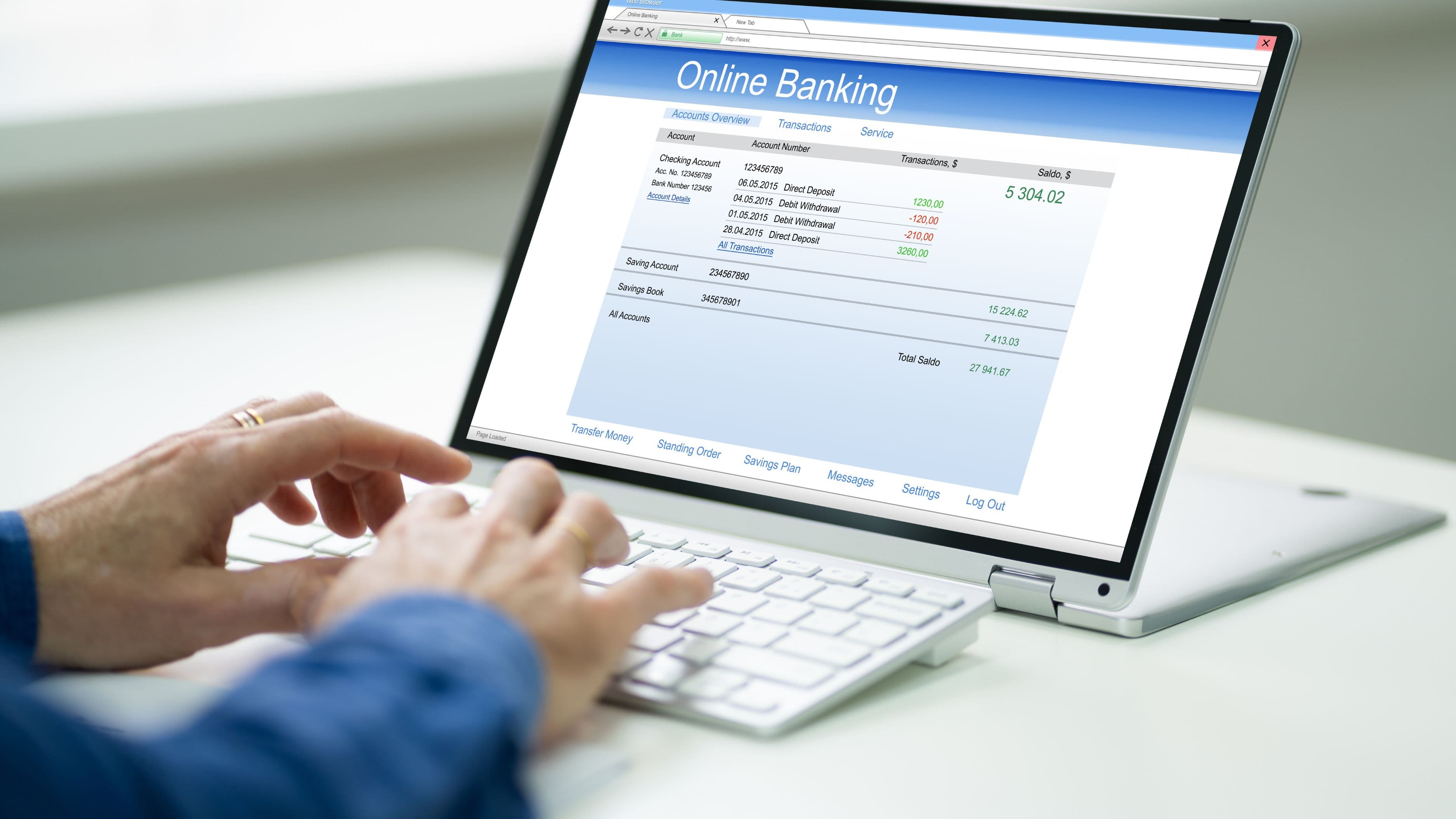
Before you open any AI tool, gather your data. Log into your bank account or credit card portal and find the transaction history for the current month. Most online banking platforms let you view, filter, and download your transactions – look for an export option that gives you a CSV or simply copy the transactions directly from the screen.
If you use multiple accounts or cards, repeat this for each one. The goal is to capture everything in one place rather than working from memory, which consistently underestimates what you've actually spent. If you have transactions in multiple currencies or categories you want to separate out, note that too.
You don't need a perfectly formatted spreadsheet. A messy paste of transaction descriptions and amounts works fine. AI tools are designed to parse unstructured text, so even a rough copy-and-paste from your bank's transaction list will give the tool enough to work with.
Step 2: Open a Free AI Tool and Set Up Your Request
Open ChatGPT, Google Gemini, or Microsoft Copilot in your browser – all have free tiers that work for this purpose. You don't need the paid version for basic spending analysis.
Paste your transaction data into the chat window along with a clear request. The more specific your instructions, the more useful the output. A prompt like this works well:
"Here are my transactions for [month]. Please organize them into spending categories (groceries, dining, subscriptions, transport, utilities, entertainment, shopping, and other), total each category, and tell me where I'm spending the most."
If you want a slightly deeper analysis, you can add: "After categorizing, let me know if you notice any recurring charges or anything that looks unusual."
The tool will process your transactions, apply category labels, and return a structured summary. It typically takes less than a minute. If a transaction is miscategorized – which happens with unusual merchant names – you can reply and ask it to correct specific items. The back-and-forth nature of the chat format makes it easy to refine the output without starting over.
Step 3: Ask for the Analysis That's Actually Useful
A categorized spending list is a start, but the more valuable output comes from asking the right follow-up questions. Most people stop at the summary and miss the part where the tool earns its keep.
Ask it to compare your discretionary spending (dining, entertainment, shopping) against your essential spending (rent, utilities, groceries). This ratio tells you something important about where your financial flexibility actually lives – and where small adjustments would have the largest effect on your monthly balance.
Ask it to flag any subscriptions or recurring charges. Subscription creep is one of the most common financial leaks, and most people are paying for at least one or two services they've forgotten about or barely use. Having the tool pull these out explicitly makes it easy to decide what to keep, pause, or cancel.
Ask it to estimate your spending pace for the month if you're not at the end yet. If you paste in two weeks of transactions, you can ask: "Based on this spending rate, what's my estimated total for the full month?" That projection is a useful early warning system before the month ends with an unpleasant surprise.
Step 4: Build a Simple Spending Snapshot You Can Return To
One of the more practical things you can do with an AI tool is ask it to build you a simple template rather than doing the analysis fresh every time. Ask it to create a monthly spending tracker you can copy into a Google Sheet or Notes app – a simple structure with your categories down the left side, a column for each week, and a monthly total at the bottom.
Once you have that template, you can update it manually each week with a few minutes of review, or paste in new transactions and ask the AI to slot them into the right rows. Over time, you build a month-by-month record that lets you see whether your grocery spending is creeping up, whether you're making progress on reducing dining costs, or whether your utility bills spike in certain months.
This approach costs nothing, takes about ten minutes to set up, and creates a financial record you actually understand and control – as opposed to a detailed app dashboard you look at once and never check again.
What to Watch Out For
AI tools are useful for organizing and summarizing financial data, but they're not infallible analysts. A few limitations matter here.
The categorization isn't always accurate, especially for transactions with ambiguous merchant names. A charge from "SQ*LOCAL MARKET" might be groceries or it might be a farmers market purchase – the tool makes its best guess, but you know your own spending better.
Always do a quick review of the output rather than accepting it wholesale.
These tools work from the data you provide, which means gaps in your input create gaps in the analysis. If you forget to include a cash withdrawal you later spent, or a secondary account you use occasionally, the summary won't capture your full picture. The output is only as complete as what you put in.
Privacy is also worth a thought. While free AI tools in their standard chat format don't actively store your data in the way that a linked budgeting app does, you are sending your transaction data to a third-party server when you paste it into the chat window. If this concerns you, there are two practical approaches: redact merchant names and only include amounts and categories, or use an AI tool that runs locally on your device rather than through a web interface. For most people the risk is low, but it's worth knowing what you're working with.
Finally, the tool can tell you where you're spending but it can't tell you what to do about it in a personalized way. Knowing that you spent $480 on dining last month is useful information; what that means relative to your income, your savings goals, and your broader financial situation requires your own judgment. Use the AI output as data, not as a financial plan.
Key Takeaways
The practical value of using a free AI tool for spending tracking comes down to a few specific advantages: it turns messy transaction data into organized categories quickly, it surfaces patterns and recurring charges you might otherwise miss, and it gives you a clear monthly snapshot without requiring a paid subscription or hours of manual entry.
The process is straightforward. Gather your transactions, paste them in with a clear request, ask for the follow-up analysis that matters to you, and build a simple template you can reuse. Done consistently at the end of each month, it takes about 15–20 minutes and produces a clearer picture of your spending than most people have ever had.
That clarity is where the actual financial benefit lives. You can't make better spending decisions with a fuzzy sense of where your money goes. A concrete number in front of you changes that – and a free tool that helps you produce it in minutes removes the main reason most people don't track their spending at all.
FAQ
Is it safe to paste my bank transactions into a free AI tool? The risk is low for most users, but it's real. Your data is transmitted to the platform's servers and may be used to improve their models depending on the platform's terms of service. If you're concerned, redact specific merchant names and only input amounts and general categories, which gives the tool enough to work with while limiting exposure of personally identifiable spending details. Alternatively, check whether your preferred AI tool offers a privacy mode that disables data retention.
What if I have hundreds of transactions – is the tool still useful? Yes. AI tools handle large transaction lists well. If you have more than 100–150 transactions, it may help to split them into a few separate pastes – one per week, for example – and ask for individual summaries before requesting a combined total. Most free-tier tools have input length limits, and working in chunks avoids hitting those limits.
Can I use this approach to build a budget for next month, not just review this month? Absolutely. Once you have a categorized summary of this month's spending, you can ask the tool: "Based on this spending, help me build a realistic budget for next month with a goal of reducing [category] spending by [amount]." It will draft category limits you can use as a starting framework, though you'll want to review them against your actual income and fixed expenses.
Do I need a paid subscription to do this effectively? No. The free tiers of ChatGPT, Gemini, and Copilot are sufficient for spending analysis, categorization, and basic budget building. Paid tiers offer faster response times and larger context windows (useful if you have very long transaction lists), but they're not necessary for this use case.
The Bottom Line
Tracking your spending doesn't have to be a time-consuming project or an expensive app subscription. A free AI tool, your bank's transaction history, and about 15 minutes gives you a functional monthly spending snapshot that's more accurate and more detailed than most people's current approach. The hard part isn't the tool – it's the habit of doing it consistently. Start with this month, run the analysis, and see what the numbers actually say. The results are usually more informative than expected.
📚 Sources
Consumer Financial Protection Bureau. Making a budget. – https://www.consumerfinance.gov/consumer-tools/budget/
OpenAI. ChatGPT – Free AI assistant. – https://chat.openai.com
Google. Gemini AI – Free tier overview. – https://gemini.google.com
Microsoft. Copilot – Free AI assistant. – https://copilot.microsoft.com
Federal Trade Commission. How to read your bank statement. – https://consumer.ftc.gov/articles/how-read-your-credit-card-statement
National Endowment for Financial Education (NEFE). Tracking your spending. – https://www.nefe.org/initiatives/evaluation/studies/tracking-monthly-spending.aspx